All workflows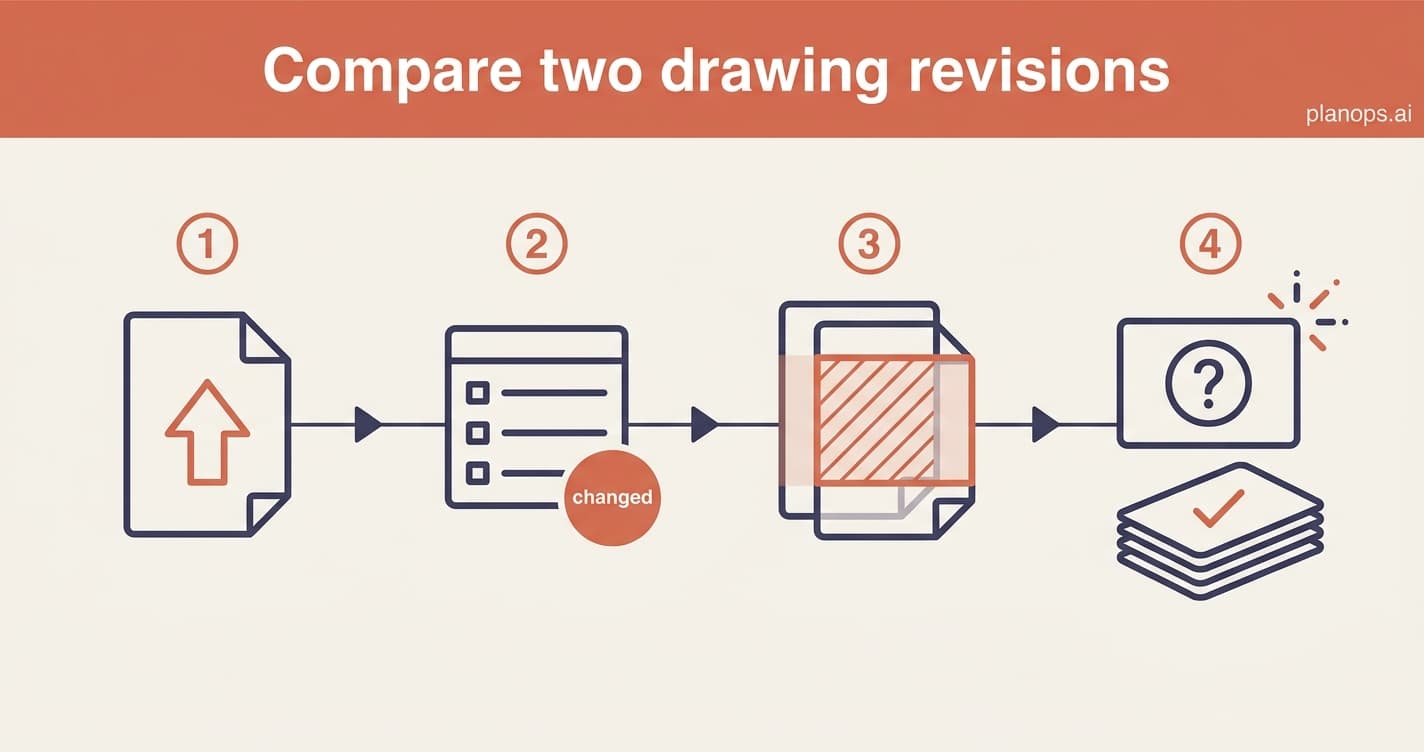
Design & Change Control~5 minutesbeginner1 AI step
Compare two drawing revisions
A new revision of a drawing arrives. Get it into the project, see exactly what changed against the last version, and raise queries on anything unclear.
What you walk away with: The latest revision in the project, every difference against the previous version highlighted on the drawing, and any gaps or clashes raised as RFIs before they reach site.
The 4 steps
Expand any step for the detail - guides for the steps you do, the inputs and outputs for the steps PlanOps runs.
Steps marked AI task are done for you by a PlanOps assistant.
Written for: project manager, design manager
A clear, shared record of what changed between two drawing revisions, with any gaps raised as RFIs.
Start free with 50 Intelligence Units. Every step here works on day one.