What’s new
Plan deliverables, track risk, and turn reports into actionsv3.1
A big release for registers - a new Information Production Schedule, a Risk Register, first-class Inspection & Test Plans and custom registers you can build yourself - plus AI-suggested actions straight from your reports.
Read the full update →Smarter search, in-app help that knows the docs, and safer uploadsv3.0
Search now streams results as they arrive, stays scoped to your project, and shows previews. The Help Panel answers how-to questions from the product docs, and public upload links get malware scanning.
Read the full update →New and updated workflows
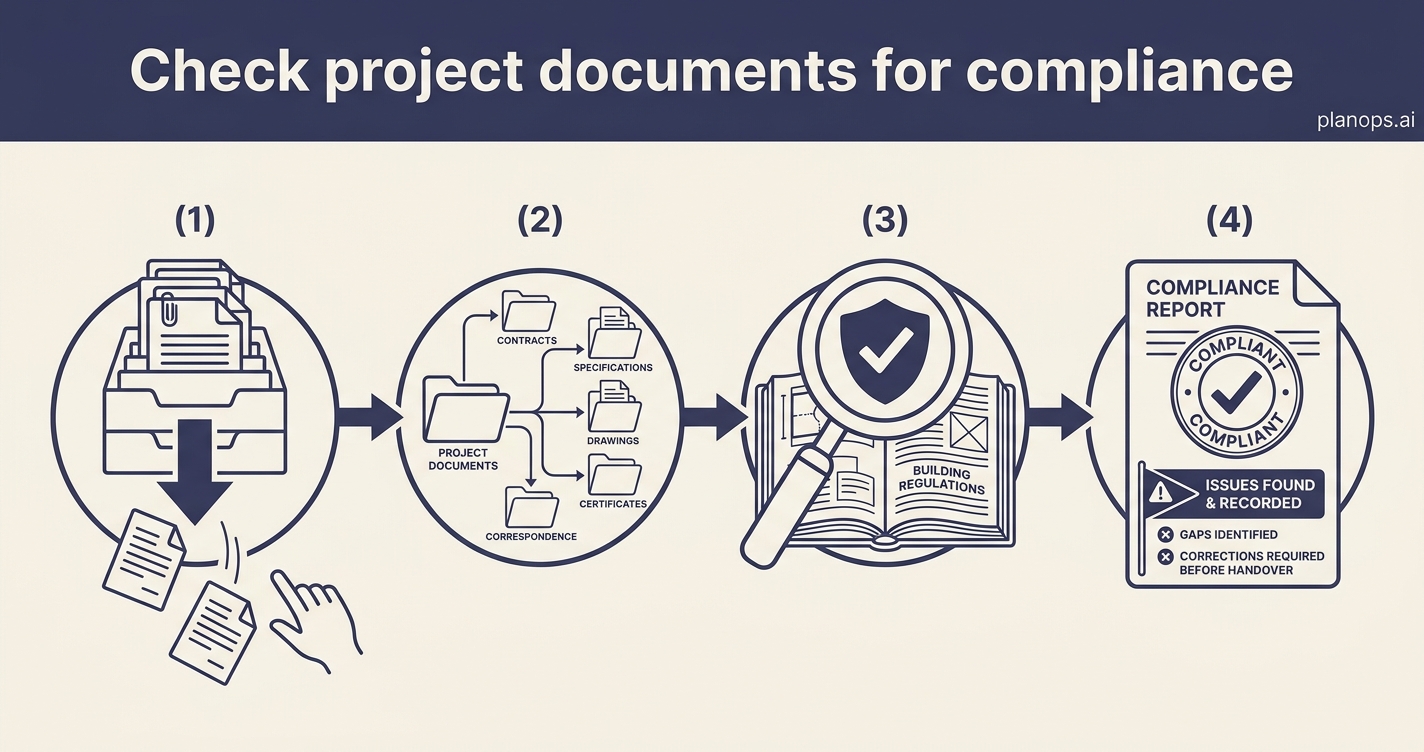
Check project documents for compliance
Bring order to incoming documents and let AI check them against UK Building Regulations — so compliance gaps surface early, not at handover.
Explore this workflow- Connect SharePoint and put your documents to work
Your drawings, specs and reports already live in SharePoint. Connect it once and PlanOps keeps them in step — then reads them, so the project intelligence comes to you instead of you going hunting for it.
- Assess and create temporary works items
Work out what temporary works your project needs from the drawings and programme, then get a BS 5975 register entry raised for each one, ready to design-check, sign off and inspect.
- Generate a daily site diary
Capture labour, plant, weather, progress and events on site each day, and let PlanOps turn every diary into a structured daily record — the feed that makes your monthly report write itself.
- Run a permit-to-work system on site
Put QR codes at the site office, let operatives request their own permits, and run the whole register from one dashboard - hot works, ladders and the rest, with a report at the end of each week.
- Issue and close a hot works permit
Welding, cutting or grinding starting on site? Issue the permit, check the fire precautions, and close it out after the fire watch. Every permit gets a reference, a signature trail and a place in the register.
- Review project documents each day
Run a daily document review so new and updated project documents are checked before the day starts. The report gives you a short record of what has changed and what needs attention.
- Assess a RAMS and link it to its package
Check a subcontractor's Risk Assessment and Method Statement against UK safety law and your project requirements, with the result held against a RAMS record tied to the subcontractor's work package.
- Compare two drawing revisions
A new revision of a drawing arrives. Get it into the project, see exactly what changed against the last version, and raise queries on anything unclear.
- Assess the impact of a changed drawing
A revised drawing lands. Let PlanOps review it and raise the queries, then turn each change into a costed, owner-assigned record — before it becomes a disputed claim at final account.
- Identify which activities need a RAMS
Screen your programme and work packages to find the activities that need a Risk Assessment and Method Statement before work starts, so nothing high-risk slips through unplanned.
- Produce and accept a Construction Phase Plan
Turn the pre-construction information into a Construction Phase Health & Safety Plan, check it against CDM 2015, and accept the version the team works to.
- Get a new project ready for site
Go from an empty workspace to a project your whole team can work in — set up, populated and permissioned — in one sitting.
See it working
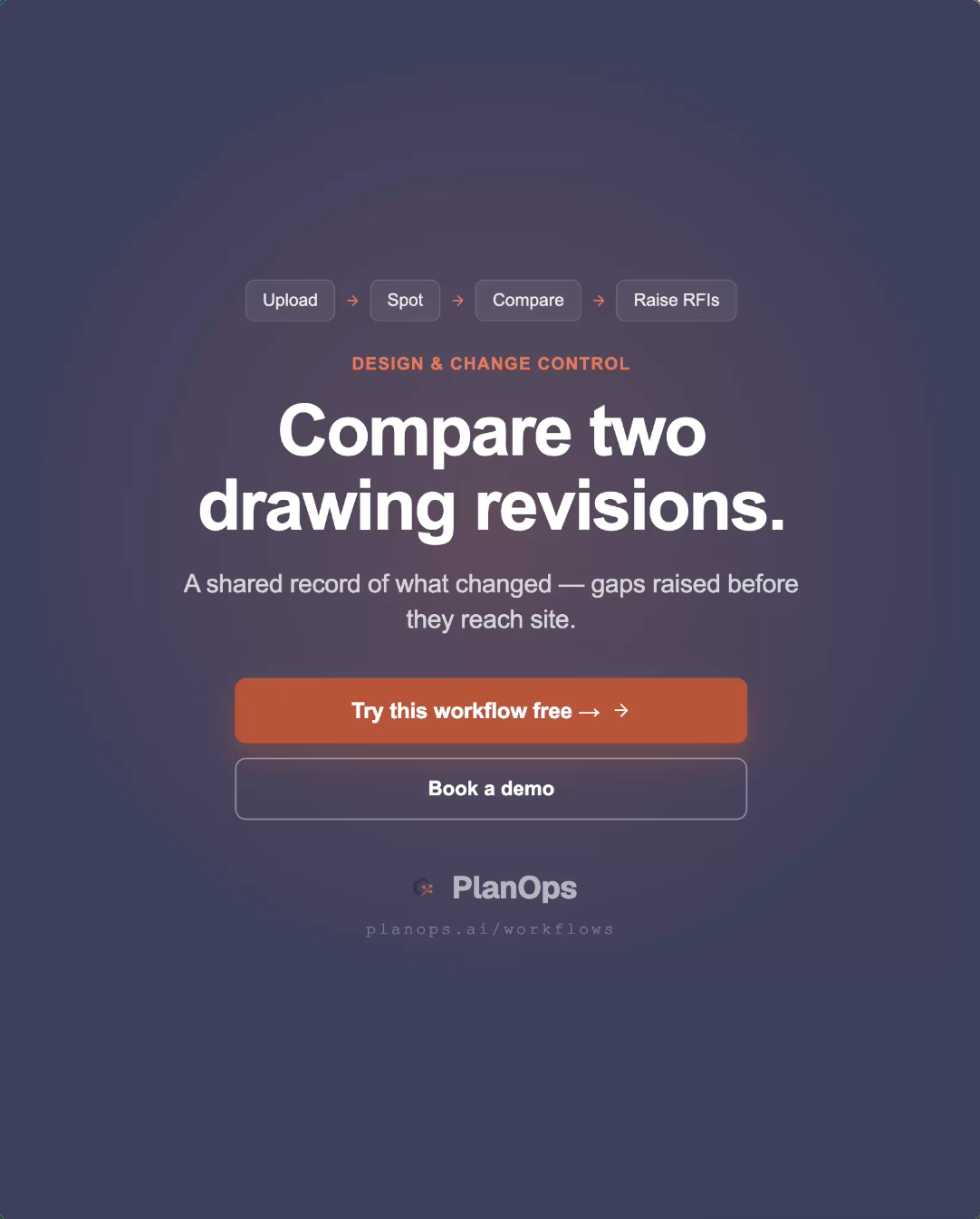
Compare two drawing revisions
A new revision lands. PlanOps reads it against the last version, marks every difference on the drawing, and raises queries on anything unclear - so nothing slips through on a visual skim.
2 IU per comparison · 30 min saved
Watch how it worksFrom Inside PlanOps
Why can't we just use a chatbot? A fair question that deserves a proper answer
Chatbots are useful, but there is a difference between a tool an individual finds helpful and a capability a construction business can rely on. Here are the questions that separate ad-hoc chat from governed AI workflows.
Read the full piece →From the Construction AI Brief
- Who signs, who owns, and what's on the record
A week when three new capabilities landed and every UK story around them asked the same thing: who's accountable, and what's on the record. The Technology and Construction Court's new Guide, examined on 9th July, put the rule plainly, the person signs, not the software. NG Bailey put a chief AI officer in the boardroom, the Cyber Security and Resilience Bill pulled data centre supply chains into scope, and the Bank for International Settlements warned on 14th July that the money behind the data centre boom looks fragile.
- Real schemes, paper schemes, and the state in the room
The Guardian reported on 4 July that OpenAI never visited Cobalt Park, the flagship Stargate UK site, and that no planning application was ever lodged, while real schemes like Ebbsfleet's £3bn campus advanced and England scrapped the NSIP consultation duty from 24 July. Turner & Townsend's global report says the boom is now squeezing the labour everyone else needs, and Balfour Beatty made its first ever VC investment. The week the pipeline got sorted into real and paper.
A short daily read on how AI is actually landing on UK construction projects.
Subscribe to the Brief